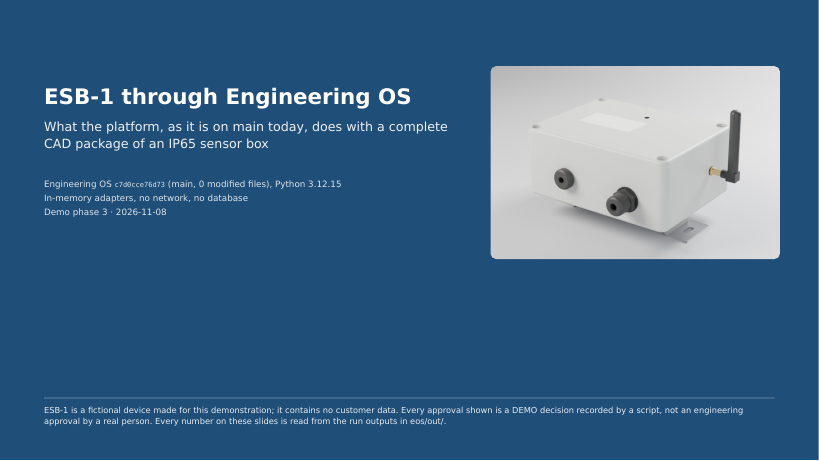
ESB-1 Environmental Sensor Box: walkthrough
How a CAD package moves through Engineering OS: ingestion, structure tree, BOM, the human approval gate and the outputs.
Download PDFEngineering OS turns a CAD package into a reviewed product structure, with every output traceable to its source and its approval. The demo documentation below shows the kind of release package it is built to deliver.
How a CAD package moves through Engineering OS: ingestion, structure tree, BOM, the human approval gate and the outputs.
Download PDF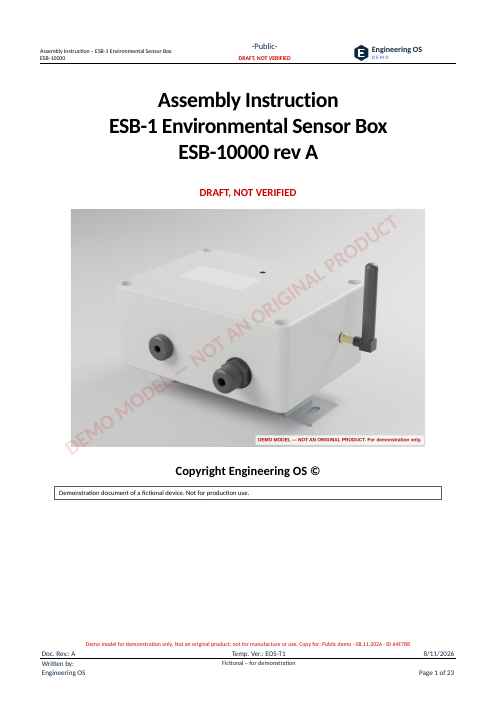
Parts list, tools, ten illustrated assembly steps with torques and checks, final inspection and leak test record.
Download PDF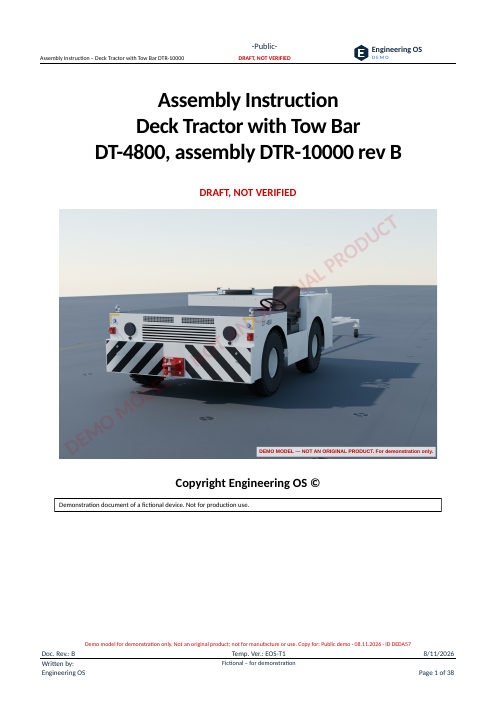
A larger assembly: frame, axles, power module, operator cab and options, in nineteen illustrated steps with functional checks.
Download PDFReads the CAD package and builds the product structure, with every item tied to its source file.
A person reviews and approves the structure before any document is released.
Each output says what it is: approved, draft or not evaluated. Nothing is silently assumed.
Assembly instructions with parts lists, tools, steps and inspection records. The samples here were made with the Engineering OS demo toolchain.
The ESB-1 sensor box and the DT-4800 deck tractor are fictional demo products made for this showcase. They are not original or commercial products. The documents were produced with the Engineering OS demo toolchain; every page is marked as a demo draft and is not verified for production use.